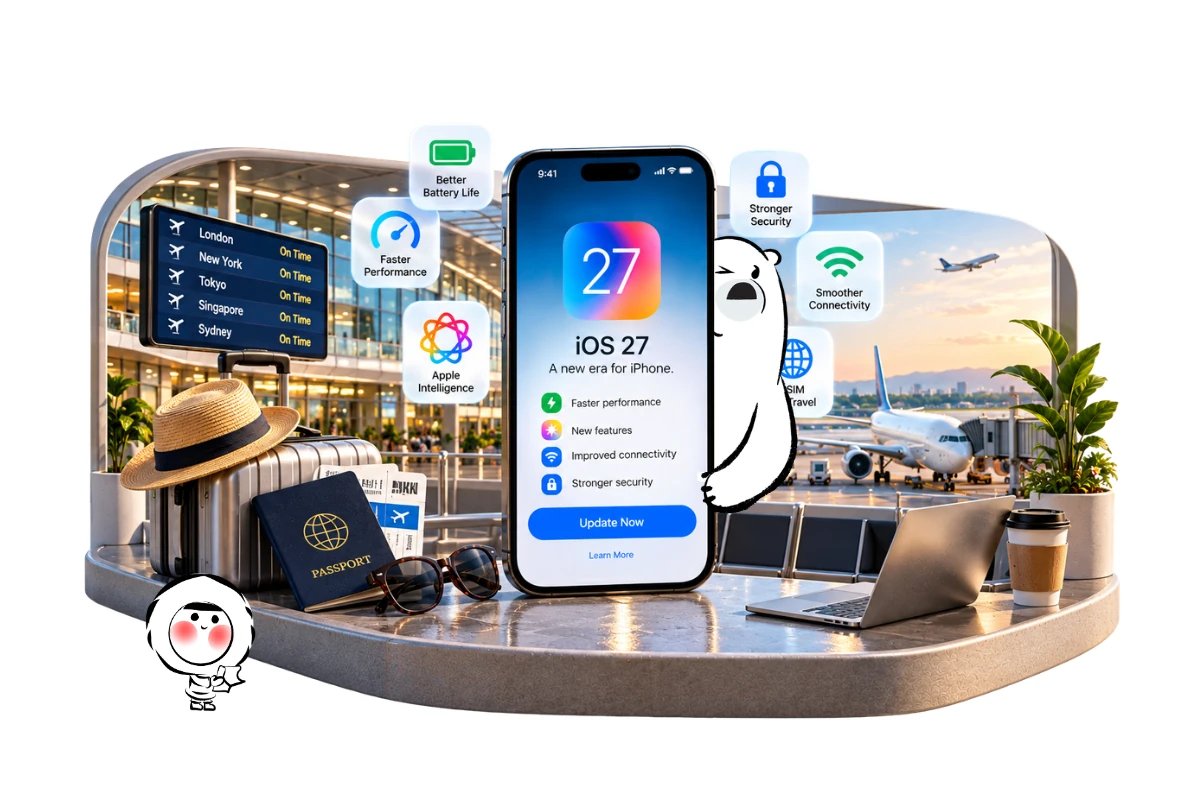
Most iPhone users can update to iOS 27 now, especially anyone setting up a new iPhone. As of October 1, 2026, Apple’s current public release is iOS 27.0.1, and iOS 27 supports iPhone 11 and later plus the second- and third-generation iPhone SE.
There are still good reasons to wait. If you depend on banking, enterprise, authentication or other mission-critical apps, have an older iPhone with poor battery health, or prefer to avoid early-release issues, staying temporarily on the latest iOS 26 security release can be sensible.
For a brand-new iPhone, the balance tilts more strongly toward updating. New hardware is designed around the current software generation, while some of iOS 27’s biggest features require newer iPhones in the first place.
The Short Answer
A practical way to decide is:
- New iPhone: Update to the latest public iOS 27 release.
- iPhone 15 Pro or newer Apple Intelligence-capable model: Generally update if your essential apps are compatible.
- iPhone 11 to 14, or base iPhone 15: Updating still brings system improvements, but many headline AI features do not apply.
- Older iPhone with weak battery health: Check battery condition and recent issue reports before updating immediately.
- Work-critical or specialist apps: Confirm compatibility first.
- Leaving for an important trip tomorrow: Avoid making a major OS change at the airport or the night before departure unless there is an urgent security reason.
- Very cautious user: Staying temporarily on iOS 26.7.1 is reasonable, but keep that version fully updated.
The important distinction is between “Can my iPhone run iOS 27?” and “Will my iPhone get everything Apple advertises for iOS 27?” Those are not the same question.
What’s Good About iOS 27
iOS 27 is more than an AI update. Some of its most broadly useful changes affect speed, connectivity and everyday interaction across supported iPhones.
Apple says app launches can be up to 30% faster, newly captured photos can appear in Photos up to 70% faster, and AirDrop transfers can be up to 80% faster. Apple also says transitions between cellular and Wi-Fi networks are smoother. These are Apple performance claims rather than guarantees for every device or workload, but they apply more broadly than the headline AI features.
Apple’s iOS 27 overview covers the current feature set and device improvements.
Liquid Glass has also been refined, with stronger contrast and controls that let users adjust its appearance from clearer to more tinted. That gives people who disliked aspects of the earlier visual treatment more control over how the interface looks.
For travelers, smoother switching between cellular and Wi-Fi can be a useful background improvement. Moving between hotel Wi-Fi, airport networks and mobile data is routine on an international trip, although actual connectivity still depends on the network, location and congestion.
Apple Intelligence and Siri AI
Siri AI is one of the biggest reasons some users may want iOS 27, but it is also where the upgrade decision becomes more complicated.
Apple says Siri AI requires an Apple Intelligence-capable iPhone, including iPhone 15 Pro models, iPhone 16 models or later, and iPhone Air. A regular iPhone 15 can run iOS 27 but does not qualify for the same Apple Intelligence feature set.
Apple’s current Siri AI requirements explain the supported hardware, language and regional restrictions.
Availability also varies globally. Many Apple Intelligence features support several languages and regions, but Siri AI launched in English, and Apple says it is not initially available on iOS for users based in the European Union. Apple Intelligence also has specific restrictions in mainland China.
Upgrading solely for Siri AI therefore makes sense only after checking your iPhone model, language and region.
What’s Not So Good About iOS 27
The main drawback is simple: a major update changes a lot at once.
Apple currently lists iOS 27.0.1 as the latest public release, so the operating system is still early in its point-release cycle. Early adopters can encounter app bugs, interface glitches or accessory compatibility problems that become clearer only after a major version reaches more devices.
There are also early reports from some users of touchscreen responsiveness problems and stuttering performance after updating. The scale of these reports remains unclear, so they should not be treated as proof of a universal iOS 27 defect.
The other drawback is feature fragmentation. An iPhone 11 can run iOS 27, but it does not suddenly become an Apple Intelligence-capable phone. Region and language restrictions add another layer, so two people running the same iOS version may have noticeably different feature sets.
iOS 27 Compatibility
Apple supports iOS 27 on iPhone 11 and later, along with iPhone SE second generation and iPhone SE third generation.
That includes the iPhone 12, 13, 14, 15, 16, 17 and newer supported families. You can check the current list in Apple’s iOS 27 compatibility information.
Apple has also said that iOS 27 brings newer CPU scheduling improvements back to iPhone 11-era hardware rather than limiting those changes to recent models.
Support does not mean identical performance or features on every phone. Storage availability, battery condition, installed apps and hardware capabilities still matter.
New iPhone Owners
If you have just bought a new iPhone, installing the latest public iOS 27 release is generally the sensible choice.
A new device is where delaying on an older major version makes the least sense. Current iPhones are built for the current software generation, and newer models are also more likely to qualify for Apple Intelligence and Siri AI features.
Before installing everything, finish the basics first:
- Connect to reliable Wi-Fi.
- Complete your Apple Account sign-in.
- Confirm your SIM or eSIM is working.
- Let your photos, apps and messages finish restoring.
- Update important apps.
- Make sure banking and authentication apps open correctly.
If you have moved from another phone, pay particular attention to your mobile plan. Eskimo has instructions for transferring an eSIM between iPhones and installing an eSIM on iOS, which can help if travel connectivity is part of your new-phone setup.
Older iPhone Owners
For an iPhone 11, 12, 13 or another older supported model, the decision deserves a little more thought.
iOS 27 remains officially supported on these devices, so age alone is not a reason to avoid it. Apple has also extended newer CPU scheduling improvements back to iPhone 11.
Battery condition is often more relevant than the model name. An older battery already operating close to its limits can make changes in background activity or daily workload more noticeable.
Check Settings > Battery > Battery Health before updating. Make sure you also have enough free storage and that the apps you depend on are current.
For an older iPhone that is working perfectly and is essential for work, travel or authentication, waiting a few days after a major release can be more sensible than updating immediately just for new features.
Get Eskimo eSIM to stay connected globally
Need internet while travelling? Here's what we recommend:

Fixed data plans
- No speed reduction
- No expiry, keep your data forever
- Transfer data to anyone
- Personal hotspot


Battery Life After Updating
Do not judge iOS 27 battery life from the first few hours after installation.
Apple says software updates can continue performing background tasks after the phone becomes usable. These tasks can temporarily affect battery life and thermal performance, and Apple recommends allowing a few days before deciding whether battery life has genuinely changed.
Apple’s post-update battery guidance explains why background activity can continue after an update.
After updating:
- Give the phone a few days to finish background work.
- Update third-party apps.
- Check Settings > Battery for unusually heavy apps.
- Restart the phone if behaviour seems abnormal.
- Review Battery Health on older devices.
Persistent drain after several days deserves investigation. Immediate drain while the phone is indexing, restoring photos or completing setup does not automatically mean iOS 27 has damaged battery life.
Current Bugs and Stability
iOS 27 is a public release, but it is still early in its lifecycle.
Some users have reported temporary touchscreen or animation problems after upgrading. Their prevalence remains unclear, and Apple has not characterized these reports as a universal iOS 27 defect.
That makes the risk calculation personal. If your iPhone is your only work phone, boarding-pass wallet, payment device and authentication tool, you may value stability more than getting new features immediately.
If your phone is new, backed up and all critical apps are compatible, the argument for waiting is weaker.
Waiting on iOS 26 Safely
Waiting does not have to mean ignoring security updates.
Apple released iOS 26.7.1 on September 28, 2026, the same day as iOS 27.0.1. The iOS 26.7.1 release patches a CoreGraphics vulnerability that Apple says may have been exploited in highly targeted attacks on versions of iOS before iOS 27.
Apple lists current releases and security information on its software security updates page.
If you decide not to move to iOS 27 yet, install the latest security update available for iOS 26 rather than remaining on an older build.
This should be treated as a temporary strategy, not a reason to stay indefinitely on an older major version.
Updating Before International Travel
A major iOS update deserves a little extra caution before a trip.
Your iPhone may be carrying boarding passes, hotel reservations, banking apps, authenticator codes, a travel eSIM, maps and ride-hailing accounts. Updating immediately before departure adds unnecessary variables if an app needs to sign in again or a setting behaves differently.
A safer approach is to update several days before travel, then test the phone normally.
Confirm that:
- Your primary SIM or eSIM still appears under Cellular settings.
- Mobile data works away from Wi-Fi.
- Banking and authentication apps open.
- Wallet passes are available.
- Offline maps or travel documents are downloaded.
- Your charger, CarPlay and important Bluetooth accessories still connect.
If everything works for a few days, you are less likely to discover a setup problem while standing in an airport arrivals hall.
Before You Update to iOS 27
A few minutes of preparation can make the upgrade less disruptive.
Back up your iPhone first. Apple supports iCloud and computer backups, giving you a current copy of your data if something goes wrong during setup.
Check your free storage. Major updates need working space to download and install.
Update essential apps. Banking, enterprise, authentication, airline and travel apps deserve priority.
Charge your phone. Avoid starting a major update with a nearly empty battery.
Check your current iOS version. Go to Settings > General > Software Update and install the latest public release rather than a beta unless you deliberately want beta software.
Do not assume you can downgrade later. Apple states that after iOS software updates are installed, users cannot revert to the previous version through the normal supported software-update process.
Using Your iPhone Abroad After Updating
After a major iOS update, test your travel setup before leaving home: confirm your eSIM is present, boarding passes open, maps load and authentication apps still work. Mobile reception abroad depends on local partner networks, terrain and congestion, so airports, tunnels and remote areas can still have weaker signal.
An Eskimo Global eSIM plan can suit multi-country trips, while Eskimo’s broader network reaches 175 countries and regions overall, which is useful for stopovers and future journeys beyond a single destination. The universal eSIM means one reusable Eskimo eSIM can support eligible destinations without installing a new profile for every trip.
New users can also claim a free 250MB Global eSIM.
FAQs:
Should I update to iOS 27 now or wait?
Most users with a supported iPhone can update to the latest public iOS 27 release. Waiting briefly makes more sense if you rely on mission-critical apps, have an older phone with battery problems or want more time for early issues to become clearer.
Does iOS 27 slow down older iPhones?
Apple supports iOS 27 back to iPhone 11 and says newer CPU scheduling improvements also extend to older supported models. Real-world performance can still vary with battery condition, storage and installed apps.
Does iOS 27 improve battery life?
Apple does not promise a universal battery-life improvement for every iPhone. Battery use can temporarily increase for several days after updating while background tasks finish, so wait before judging the result.
Which iPhones get Siri AI with iOS 27?
Siri AI requires an Apple Intelligence-capable iPhone, including iPhone 15 Pro models, iPhone 16 models or later, and iPhone Air. Availability also depends on language and region.
Can I downgrade from iOS 27 to iOS 26?
Apple says an installed iOS software update cannot be reverted through its normal supported update process. Back up your iPhone and check essential app compatibility before making the upgrade.